
 +86-0755-86131192
 2026-08-26
Introduction and Usage Instructions of 3D Foot Laser Scanner
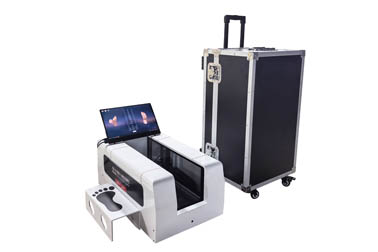
The 3D foot laser scanner is a device that adopts laser principles to collect and measure human foot data, obtain three-dimensional plantar data, and generate visualized measurement reports.
The data contained in the measurement report includes foot length, foot width, arch height, flat foot evaluation, high arch evaluation, heel varus evaluation, heel valgus evaluation and hallux valgus evaluation, etc.
The usage methods of the 3D foot laser scanner are as follows:
1. Pre-measurement preparation
Before daily measurement, technicians shall inspect the equipment to check whether the scanning function and computer software operate normally. It is necessary to conduct multiple trial measurements and verify the accuracy of data.
It is essential to ensure that the equipment works normally with stable and accurate data and the error is within the normal range.
If any faults are found, calibration or maintenance shall be carried out in a timely manner.
In addition, subjects shall take off their socks and roll up their trouser legs above the ankles or up to the knees before measurement, so as not to block laser scanning and affect data collection.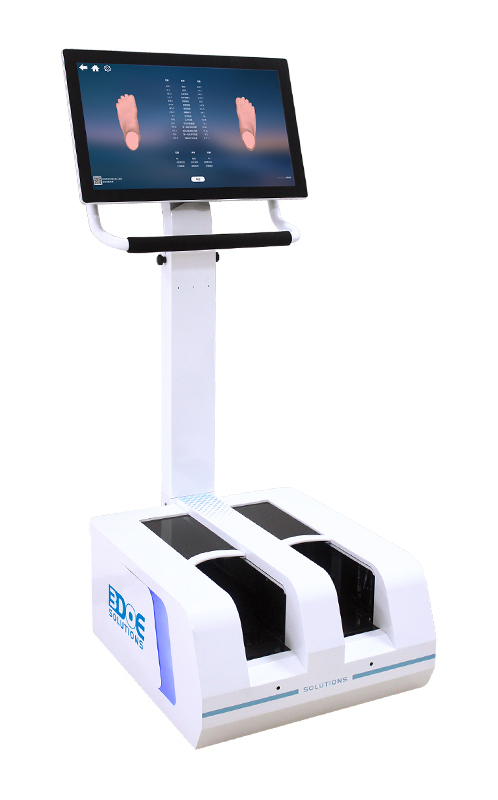
2. Notes during the measurement process
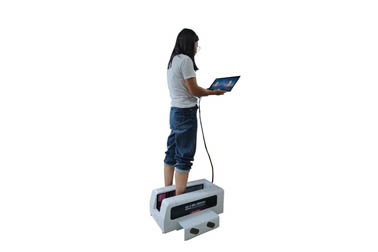
During the test, subjects shall stand in the scanning area to avoid blind areas and ensure complete collection of data.
Listen carefully to the voice prompts of the device and follow the prompts to proceed with subsequent operations.
During the measurement, do not shake the body or move the feet randomly. Keep the body relaxed and natural with eyes looking straight ahead.
If conditions permit, it is better to measure 2 to 3 times for data comparison, so as to detect possible inaccurate data in a timely manner.
The entire measurement process is short, and the collection of foot data can be completed in approximately 10 to 20 seconds.
3. Proper data storage
After the measurement is completed, the measurement report can be exported in formats such as Word and PDF.
Meanwhile, the software will automatically generate files in the designated folder on the computer, including measurement reports, foot images of different forms, and three-dimensional data in STL and other formats.
After the measurement, subjects can properly save their measurement files via a USB flash drive or other methods.
In addition, for privacy and data security purposes, subjects have the right to request the deletion of their personal measurement data stored on the computer after saving their own data to prevent personal information leakage.
Merchants shall obtain user authorization before using users’ measurement data, protect sensitive information such as foot size, and respect and safeguard users' personal privacy.
 Back to list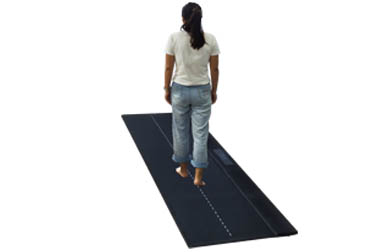


 +86-0755-86131192